How We Automated Our Way to 5-Minute Onboarding (Hint: It's Not Just AI)
By Roy Libman, CPO
Our first onboarding flow asked users 15 questions. Language, framework, port, Dockerfile path, build command, health endpoints, environment variables. It was tedious, and half the answers required digging through the repo to find. Developers would guess, get it wrong, and not realize until the first build failed.
But even when users answered everything correctly, things still broke. The Dockerfile copies a dist/ folder that doesn't exist in CI. The build needs BuildKit but the pipeline doesn't enable it. There are seven Dockerfiles and you picked the wrong one. The port in the Dockerfile doesn't match the port in your app config. These aren't things you'd think to check - they surface as mysterious failures 30 minutes into your first deploy.
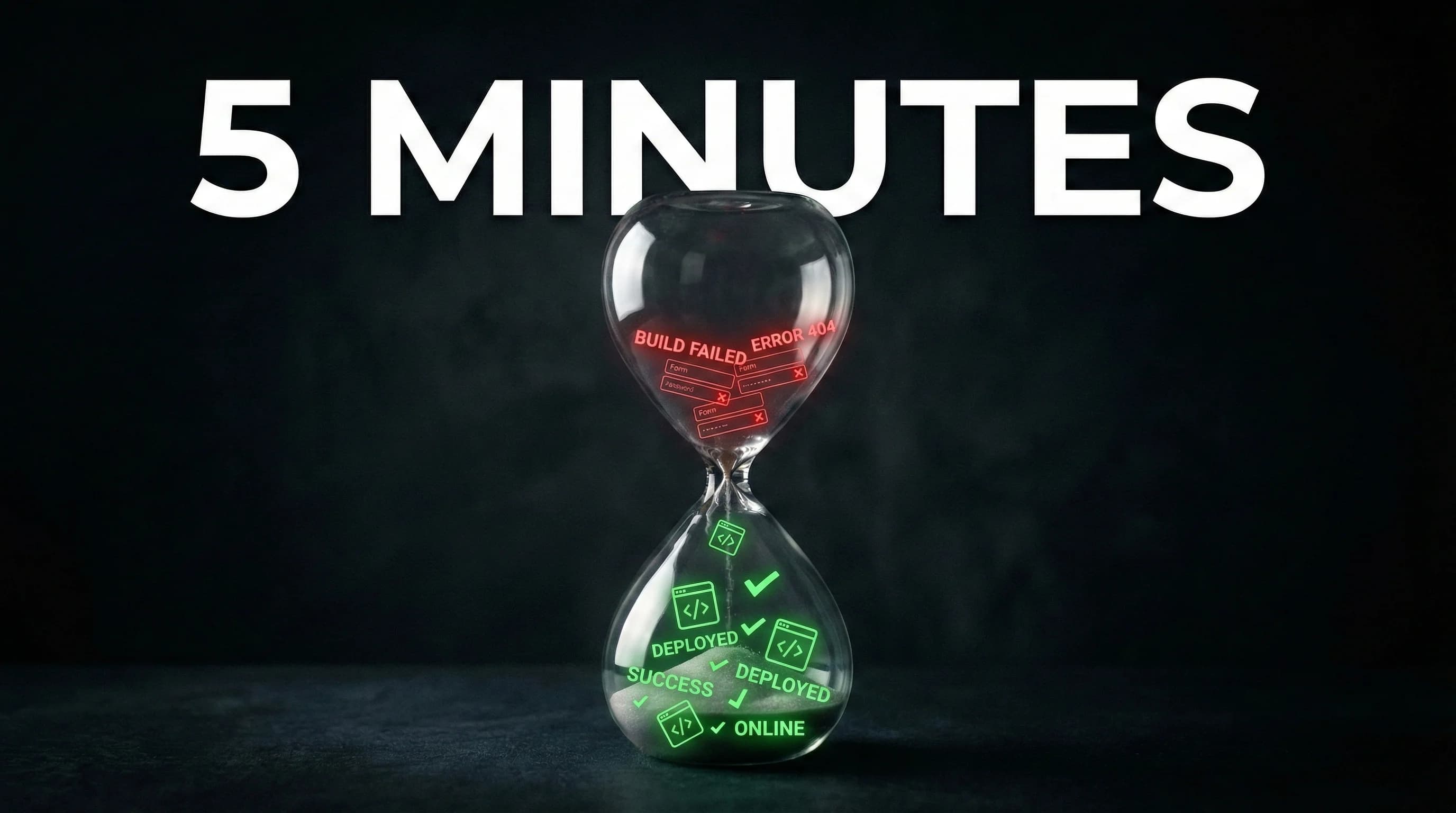
The typical onboarding experience was: fill out a form, trigger a build, watch it fail, debug, fix, retry, hit the next issue. Sometimes it took hours.
We wanted to get that down to 5 minutes.
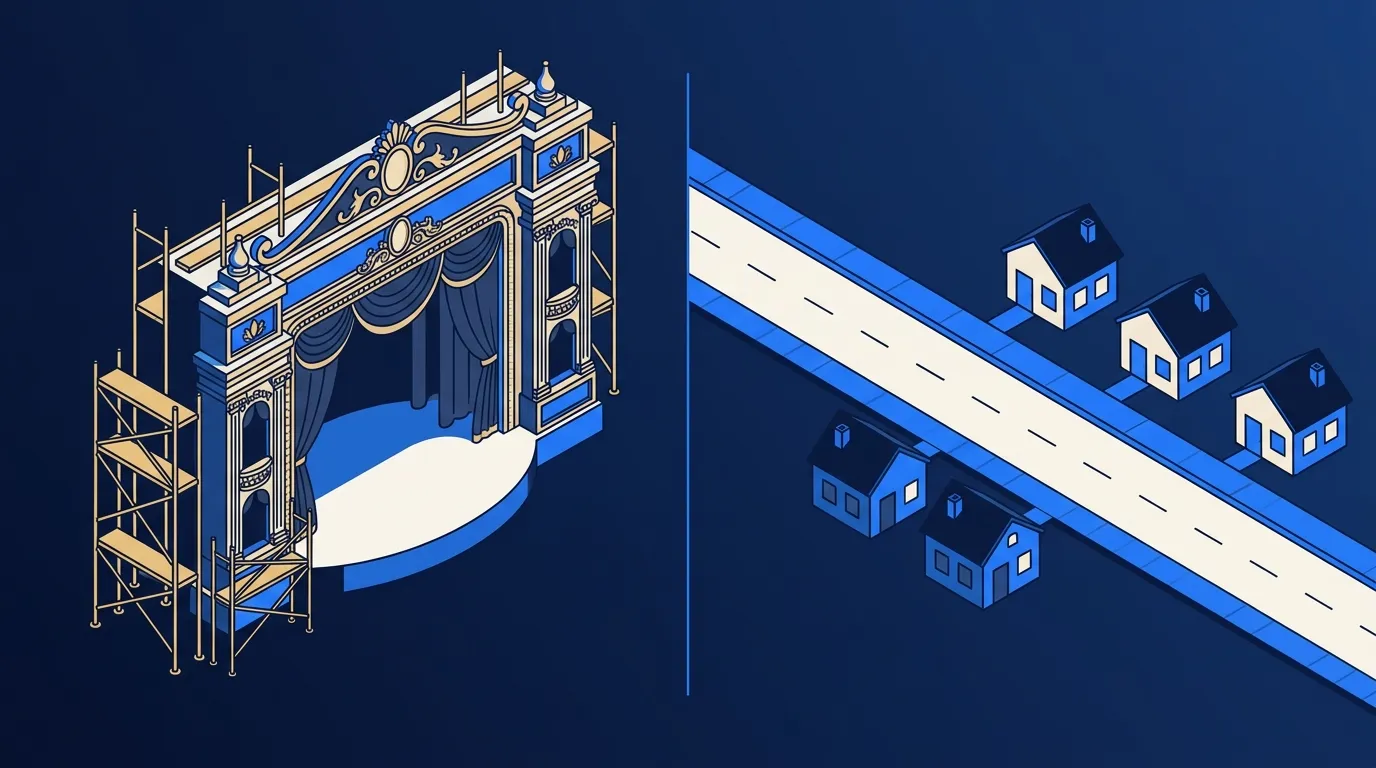
That meant solving two problems: figuring out what a codebase is, and figuring out what needs to change for it to deploy.
Step 1: Read the Codebase
The first problem is detection - language, framework, port, Dockerfile, monorepo structure. All of this information exists somewhere in your repo, but it's scattered, unstructured, and wildly inconsistent across real-world projects. A port might be in the Dockerfile, overridden in a start script, and defaulted differently by the framework. Your language is obvious from go.mod - unless there's also a package.json for build tooling, in which case it's ambiguous.
We built a detection system that resolves these conflicts with confidence scoring, runs in under 50ms, and handles the ambiguity without calling an LLM. That was hard enough on its own. But when we started testing across real repos, we kept running into the same pattern: detection was correct, but the first build would fail anyway.
Step 2: Find What Will Break
A Next.js app. Detection nails it - Node.js, Next.js framework, port 3000. But the Dockerfile has this:
COPY --chown=nextjs:nodejs .next/standalone ./
COPY --chown=nextjs:nodejs .next/static ./apps/api/.next/static
That .next/ directory only exists after running npm run build. On the developer's machine, it's there because they built it locally. In a CI pipeline building from a clean checkout, it doesn't exist. The Docker build fails with COPY failed: file not found.
This isn't just a detection problem. It's an adaptation problem. The codebase needs something to change before it can deploy - and the developer might not even realize it.
We found these issues everywhere. Dockerfiles that require BuildKit syntax but CI doesn't enable it. Build contexts that reference parent directories. ARG declarations with no defaults. Private registry dependencies with no auth configured. Each one is a build failure waiting to happen.
Step 3: Decide What to Do About It
This is where we spent most of our engineering time. When the system finds a problem, what should it do?
Our first instinct was to fix everything automatically. That's wrong. Some fixes are safe to apply silently. Others would surprise the user. And some genuinely require information only the user has.
We ended up with five strategies:
Just Do It - the fix is zero-risk and strictly better. Example: the Dockerfile uses --mount=type=cache (BuildKit syntax), but CI doesn't have BuildKit enabled. We add DOCKER_BUILDKIT=1 to the workflow. BuildKit is backward-compatible. There's no scenario where this breaks anything. We don't even mention it unless you look at the detailed log.
Show & Confirm - we're making a significant change and you should see it. Example: no Dockerfile found. We generate one based on your detected language and framework. That's a whole new file in your repo - you should see what we're creating and approve it. Same with pre-built artifacts: "Your Dockerfile expects .next/standalone to exist. We'll add npm run build before docker build in CI. Here's the change."
Must Ask - we can't guess. Example: Dockerfile says EXPOSE 8080, but your NestJS config says port 3000. Both are valid signals. We present both options and ask which one is correct. Same with monorepo service selection - we can detect that it's a Turborepo workspace with five services, but we can't know which one you want to onboard right now.
Infer + FYI - we pick a sensible default and tell you what we picked. Example: ARG PORT in the Dockerfile with no default value. We set it to the port we detected from your framework config and show you: "Set PORT=3000 based on NestJS defaults. Change this if your app uses a different port."
Follow-up - not blocking, but worth doing later. Example: no health endpoints detected. Your service will deploy fine, but Kubernetes probes won't work properly, which means slower rollouts and potential downtime during deploys. We configure a safe default (TCP probe on the service port) and flag it as a recommended follow-up.
The taxonomy sounds simple. The engineering is in correctly classifying each issue. A missing Dockerfile is "Show & Confirm" - but what if we're only 60% confident about the detected framework? Then the generated Dockerfile might be wrong, and auto-generating it with a default "yes" is risky. Confidence from detection flows directly into adaptation strategy.
Putting It Together
Here's what skyhook init looks like on a messy real-world repo - a Next.js app inside a Turborepo monorepo, with a Dockerfile that assumes locally-built artifacts.
$ skyhook init

Detecting project configuration...
  ✓ Scanning manifests and configs
  ✓ Analyzing Dockerfiles
  ✓ Detecting monorepo structure
  ✓ Checking build readiness

Detection Results
───────────────────────────────────────
Language:    Node.js (98%)     ← Dockerfile FROM node:18-alpine
Framework:   Next.js (85%)     ← next.config.ts
Port:        3002              ← package.json scripts
Monorepo:    Turborepo         ← apps/api

Adaptations
───────────────────────────────────────
✓ Fixed:     BuildKit enabled in CI workflow
⚠ Confirm:   Dockerfile COPYs .next/standalone - adding
             'npm run build' to CI before docker build
⚠ Confirm:   ARG PORT has no default - using 3002
             from package.json
Three things happened here beyond detection. BuildKit was silently enabled (just do it - zero risk). The pre-built artifacts issue was caught and a fix proposed (show & confirm - the user should see what's changing in their CI pipeline). And a missing ARG default was inferred from the detected port (infer + FYI).
Without this, the developer would have filled out the form, hit "deploy," waited for the Docker build, and gotten COPY failed: file not found. Then spent 20 minutes figuring out that .next/standalone needs a build step before docker build. Then maybe hit the BuildKit issue next. Then the ARG issue after that.
Instead: detection + adaptation finds all three issues upfront. The user confirms two changes and moves on.
The interactive form then appears with most fields pre-filled:
Service name: api                       [auto: from monorepo path]
Dockerfile:   Dockerfile                [auto: single Dockerfile]
Environment:  production                ← Select
One question: which environment. Everything else was either detected or handled by adaptations.
The system also knows when it's not sure. When confidence drops below 70% or signals conflict, it says so explicitly rather than guessing:
⚠ Verification recommended:
  Node.js detected alongside Python - likely tooling only
  (source: package.json)
The worst onboarding experience isn't answering a question - it's when the platform silently picks the wrong answer and your first deploy fails for a reason you can't understand. We'd rather ask one extra question than debug a mysterious build failure.
What We Still Get Wrong
This system handles about 90% of repos correctly with zero or minimal questions. The remaining 10% are genuinely hard:
-
Custom build pipelines: If your Dockerfile shells out to a Makefile that calls a Python script that runs webpack, we're not going to trace that chain. We'll detect the language and framework, but the build command needs human input.
-
Multiple services in one Dockerfile: Multi-stage builds that produce different binaries based on build args. We detect the Dockerfile, but can't always tell which target is the one you want.
-
Unconventional project structures: A Go service where the actual entry point is three directories deep with no
main.goat the root. Detection works, but the Dockerfile context might be wrong.
For these cases, the system asks rather than guesses. We're upfront about what it can't figure out, and the interactive form is always there as a fallback. The goal was never to eliminate all questions - it was to eliminate the unnecessary ones.
The Payoff
We turned a 15-field form and a "hope it works" first deploy into a system that reads your codebase, finds what will break, and either fixes it or asks you about it - with enough context that the question takes seconds to answer, not minutes of investigation.
Detection figures out what your codebase is. Adaptations figure out what needs to happen for it to work. Confidence scoring decides when to act and when to ask. Between them, onboarding goes from hours of form-filling and debugging to a few minutes and a couple of confirmations.
We wrote separately about how we used AI to build the detection rules. But the adaptation system - the strategy taxonomy, the confidence-based UX, knowing when to silently fix vs when to ask - that's where most of the product thinking went. AI was one piece. The rest was figuring out the right thing to do with what we found.