How to Manage Secrets in Kubernetes: 5 Approaches Compared
By Eyal Dulberg, CTO
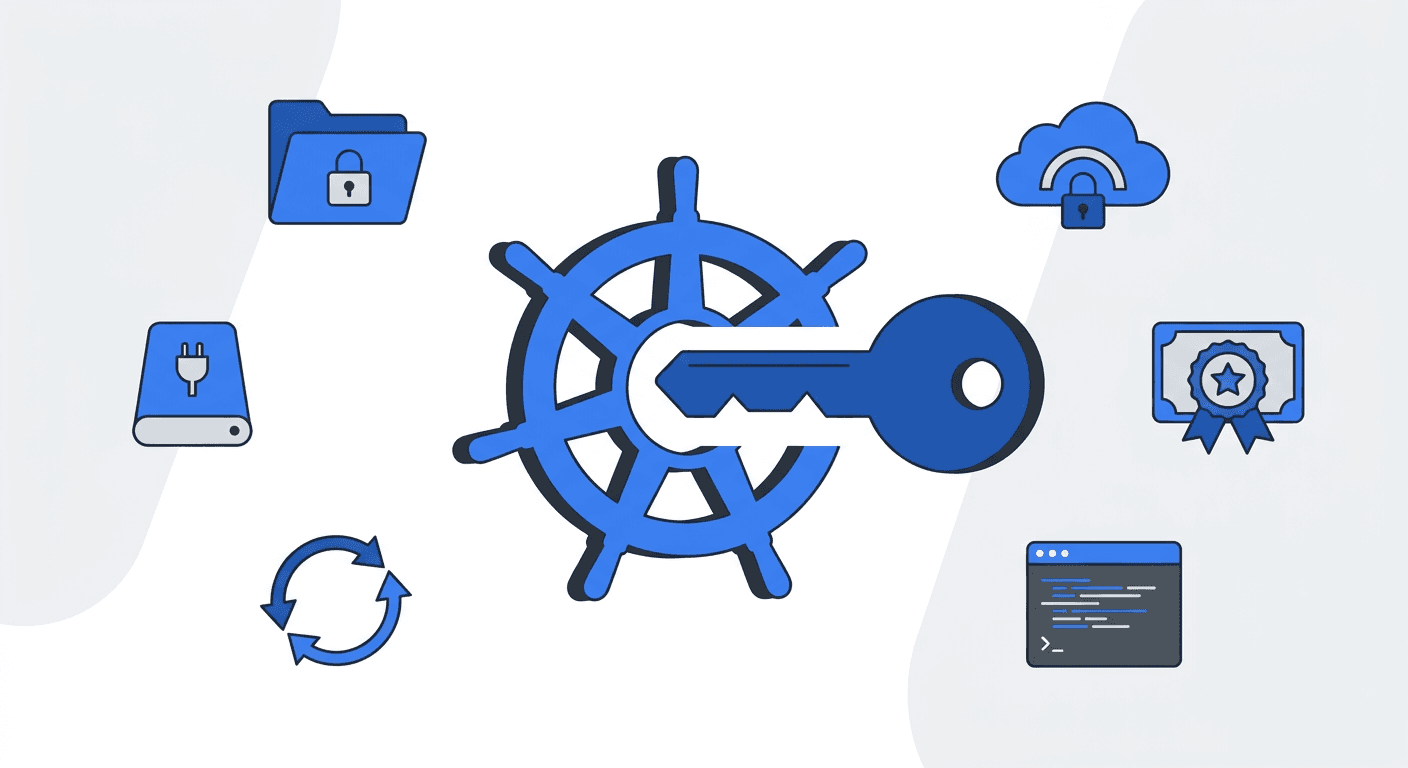
TL;DR. Kubernetes Secrets deliver values to pods; they do not create, rotate, audit, or safely store those values. Use Sealed Secrets or SOPS for GitOps-managed static secrets, a vault SDK when applications should fetch secrets directly, External Secrets Operator for centralized rotation across services, or the Secrets Store CSI Driver when values should be mounted without becoming Kubernetes Secret objects.
Kubernetes has a Secret resource, but it doesn't manage secrets. It's a delivery mechanism - a way to get a value into a pod. RBAC controls who can read them, and managed clusters (EKS, GKE, AKS) encrypt etcd at rest, so the basics are covered. What's missing is everything around the lifecycle: how secrets get created, how they rotate, how you audit changes, and how you store them safely in Git without leaking plaintext.
Five approaches handle this, each with different tradeoffs around GitOps compatibility, rotation, multi-cluster support, and how much your application code needs to change. Here's each one with working configs you can adapt.
Sealed Secrets
Bitnami Sealed Secrets flips the problem: encrypt secrets so they're safe to commit to Git. The controller runs in your cluster with a private key. You encrypt locally with the kubeseal CLI using the controller's public key, producing a SealedSecret that only your cluster can decrypt.
# Generated by: kubeseal --format yaml < my-secret.yaml
# Safe to commit to Git - only the target cluster can decrypt this
apiVersion: bitnami.com/v1alpha1
kind: SealedSecret
metadata:
  name: database-credentials
  namespace: production
spec:
  encryptedData:
    # Each value is encrypted with the cluster's public key
    DB_HOST: AgA3f8...truncated...Q4Kz==
    DB_PASSWORD: AgCE7...truncated...xR9w==
    DB_USERNAME: AgBy2...truncated...mN1c==
  template:
    metadata:
      name: database-credentials
      namespace: production
    type: Opaque
The workflow: kubectl create secret locally, pipe through kubeseal, commit the SealedSecret to Git, push. The in-cluster controller decrypts it into a regular Kubernetes Secret.
Tradeoffs: encryption keys are per-cluster, so a SealedSecret encrypted for cluster A won't work on cluster B. No built-in rotation - if a value changes, you re-seal and commit. If you lose the controller's private key, you re-encrypt everything. Doesn't scale well across many clusters without automation on top.
Best for: single-cluster GitOps teams with mostly static secrets (API keys, database credentials) that change infrequently. An automation layer on top (like Skyhook) can handle the re-sealing and multi-cluster coordination, but out of the box it's manual. For auditing which workloads reference which secrets across your cluster, Radar's cluster audit view surfaces it without extra tooling.
SOPS + ArgoCD/Flux
Mozilla SOPS encrypts values in-place inside YAML, JSON, or ENV files. The file structure stays readable - only the values are encrypted. SOPS supports multiple key backends: AGE, AWS KMS, GCP KMS, Azure Key Vault, and HashiCorp Vault.
# Encrypted with SOPS - structure visible, values encrypted
# Decrypt with: sops -d secret.enc.yaml
apiVersion: v1
kind: Secret
metadata:
  name: api-credentials
type: Opaque
stringData:
  API_KEY: ENC[AES256_GCM,data:8fGk...truncated,type:str]
  API_SECRET: ENC[AES256_GCM,data:Qs7x...truncated,type:str]
sops:
  kms:
    - arn: arn:aws:kms:us-east-1:123456789:key/abc-def-123
      created_at: "2025-09-01T10:00:00Z"
      enc: AQICAHh...truncated
  version: 3.9.0
  mac: ENC[AES256_GCM,data:xF7d...truncated,type:str]
Integration with GitOps tools happens via plugins: helm-secrets for Helm-based workflows, or KSOPS for Kustomize. For ArgoCD specifically, you install the plugin in the repo-server container so ArgoCD can decrypt during sync.
Tradeoffs: every developer who touches encrypted files needs access to the encryption key (or KMS permissions). Editing an encrypted file recomputes the MAC, which means noisy diffs. Setting up the ArgoCD repo-server plugin requires a custom image or init container.
Best for: small teams who want encrypted files in Git backed by cloud KMS, and are comfortable with the plugin setup.
Direct vault integration via SDK
Skip Kubernetes entirely. Your application fetches secrets directly from a vault at runtime using the provider's SDK.
// Fetch a secret from AWS Secrets Manager at startup
import (
    "context"
    "github.com/aws/aws-sdk-go-v2/config"
    "github.com/aws/aws-sdk-go-v2/service/secretsmanager"
)

func getSecret(ctx context.Context, name string) (string, error) {
    cfg, err := config.LoadDefaultConfig(ctx)
    if err != nil {
        return "", err
    }
    client := secretsmanager.NewFromConfig(cfg)
    result, err := client.GetSecretValue(ctx, &secretsmanager.GetSecretValueInput{
        SecretId: &name,
    })
    if err != nil {
        return "", err
    }
    return *result.SecretString, nil
}
This works with HashiCorp Vault, AWS Secrets Manager, GCP Secret Manager, Azure Key Vault, or any provider with an SDK. Vault also supports Kubernetes auth - your pod's ServiceAccount JWT is exchanged for a Vault token, so no static credentials needed.
Tradeoffs: every service needs SDK code and auth logic. You're coupled to a specific provider - switching from AWS Secrets Manager to Vault means code changes, not config changes. No GitOps visibility into what secrets exist or which services use them. Harder to manage consistently across environments (dev/staging/prod).
Best for: teams already deep in a single cloud ecosystem, or applications that need dynamic, short-lived credentials (like database passwords rotated per-connection).
External Secrets Operator (ESO)
External Secrets Operator bridges external vaults and Kubernetes. It's an operator that syncs secrets from external vaults into native Kubernetes Secrets. Your application reads a regular Secret or env var - ESO handles the vault plumbing behind the scenes.
Two CRDs do the work. A SecretStore configures the connection to your vault:
# Tells ESO how to authenticate with AWS Secrets Manager
apiVersion: external-secrets.io/v1beta1
kind: SecretStore
metadata:
  name: aws-secrets
  namespace: production
spec:
  provider:
    aws:
      service: SecretsManager
      region: us-east-1
      auth:
        jwt:
          serviceAccountRef:
            name: external-secrets-sa  # Uses IRSA for zero-credential auth
An ExternalSecret declares which secrets to sync and how often to refresh:
# Syncs database credentials from AWS Secrets Manager into a K8s Secret
# ESO refreshes the value every hour - rotation handled automatically
apiVersion: external-secrets.io/v1beta1
kind: ExternalSecret
metadata:
  name: database-credentials
  namespace: production
spec:
  refreshInterval: 1h              # Check for updates every hour
  secretStoreRef:
    name: aws-secrets
    kind: SecretStore
  target:
    name: database-credentials      # Name of the K8s Secret to create
    creationPolicy: Owner           # ESO owns and manages this Secret
  data:
    - secretKey: DB_HOST            # Key in the K8s Secret
      remoteRef:
        key: prod/database          # Path in AWS Secrets Manager
        property: host              # JSON field within the secret
    - secretKey: DB_PASSWORD
      remoteRef:
        key: prod/database
        property: password
ESO supports 20+ providers: Vault, AWS Secrets Manager, GCP Secret Manager, Azure Key Vault, 1Password, Doppler, and more. You define the connection once in the SecretStore, then create ExternalSecret resources for each secret you need.
Tradeoffs: the secrets still land as Kubernetes Secrets in etcd. You need vault infrastructure running somewhere. Setup complexity scales with the number of providers and namespaces.
Best for: most production teams. You get a centralized source of truth with rotation, audit trails, and provider-agnostic applications. This is the approach that scales.
Secrets Store CSI Driver
The Secrets Store CSI Driver takes a different path: mount secrets as files directly from a vault into the pod's filesystem. No Kubernetes Secret object is ever created (unless you explicitly opt in).
# Defines which secrets to mount from AWS Secrets Manager
apiVersion: secrets-store.csi.x-k8s.io/v1
kind: SecretProviderClass
metadata:
  name: aws-db-secrets
  namespace: production
spec:
  provider: aws
  parameters:
    objects: |
      - objectName: "prod/database"
        objectType: "secretsmanager"
        jmesPath:
          - path: host
            objectAlias: db-host
          - path: password
            objectAlias: db-password
# Pod mounts secrets as files at /mnt/secrets/
apiVersion: v1
kind: Pod
metadata:
name: api-server
namespace: production
spec:
serviceAccountName: api-server-sa
containers:
- name: api
image: ghcr.io/org/api:v2.1.0
volumeMounts:
- name: secrets
mountPath: /mnt/secrets # Secrets appear as files here
readOnly: true
volumes:
- name: secrets
csi:
driver: secrets-store.csi.k8s.io
readOnly: true
volumeAttributes:
secretProviderClass: aws-db-secretsYour application reads /mnt/secrets/db-password as a file. The secret never exists as a Kubernetes object in etcd.
Tradeoffs: secrets are only available after the volume mounts - race conditions are possible if your app starts before the mount completes. No offline/disconnected operation (the vault must be reachable at pod start). Runs as a DaemonSet on every node. If you need secrets as env vars, you have to enable the optional sync-to-Secret feature, which defeats the main benefit.
Best for: high-security environments where secrets must never touch etcd, and you can design your application to read from files.
Decision framework
| Sealed Secrets | SOPS | Direct SDK | ESO | CSI Driver | |
|---|---|---|---|---|---|
| GitOps-friendly | Yes | Yes | No | Yes | Partial |
| Rotation | No | No | Yes | Yes | Yes |
| Multi-cluster | Hard | Moderate | N/A | Easy | Easy |
| Setup complexity | Low | Medium | Low (per-app) | Medium | Medium-High |
| Secrets in etcd | Yes | Yes | No | Yes | No |
| App code changes | None | None | Yes | None | File reads |
| Audit trail | Git only | Git only | Vault logs | Vault logs | Vault logs |
Quick decision tree:
- Single-cluster, static secrets, GitOps workflow - Sealed Secrets.
- Small team, cloud KMS, comfortable with plugins - SOPS.
- Already using a vault and want apps to fetch directly - Direct SDK.
- Production team, multiple services, need rotation and audit - ESO (most common choice).
- Maximum security, secrets must never touch etcd - CSI Driver.
These approaches aren't mutually exclusive. Many teams use Sealed Secrets for bootstrap secrets (like the ESO credentials themselves) and ESO for everything else.
How Skyhook handles secrets
Skyhook ships with Sealed Secrets built into its GitOps workflow. When you add a secret through Skyhook, it fetches your cluster's public key, encrypts the value with RSA + AES-256-GCM (the same hybrid encryption Sealed Secrets uses), and opens a PR in your GitOps repo. You review, merge, and ArgoCD applies it. Batch updates across clusters and namespaces work the same way - one PR, multiple sealed secrets.
For teams that prefer an external vault, External Secrets Operator is available as a one-click addon - Skyhook deploys it via ArgoCD with the Helm chart and CRDs configured.
Whichever approach you choose, the goal is the same: secrets with an audit trail, encrypted at rest, and managed through the same Git workflow as everything else.
FAQ
Are Kubernetes Secrets encrypted?
No - they're base64-encoded, which is encoding, not encryption. But this is less scary than it sounds. Kubernetes relies on RBAC as the access control boundary, not encryption of the Secret object itself. If you can kubectl get secret, you're already authorized to see that value - encrypting it would just add a decryption step for the same person. The storage layer (etcd) is encrypted at rest on all major managed providers. The real gaps with vanilla Secrets aren't about encryption - they're about lifecycle: no rotation, no audit trail, no safe way to store them in Git, and no management workflow beyond kubectl create secret.
What is the best way to manage secrets in Kubernetes?
For most production teams, External Secrets Operator (ESO) is the strongest default. It syncs secrets from an external vault (AWS Secrets Manager, HashiCorp Vault, GCP Secret Manager, etc.) into native Kubernetes Secrets, with automatic rotation and audit trails. Your application code stays unchanged - it reads a normal Secret or env var.
Can I store Kubernetes Secrets in Git?
Not safely in plain text. Tools like Sealed Secrets and SOPS encrypt secret values so the encrypted form is safe to commit. Sealed Secrets uses asymmetric encryption tied to your cluster's key pair. SOPS encrypts values in-place using cloud KMS or AGE keys. Both let you keep secrets in your GitOps repo without exposing plaintext.
How do I rotate secrets in Kubernetes?
Native Kubernetes Secrets have no rotation mechanism. For automatic rotation, you need either an external vault with ESO (set a refreshInterval and ESO polls for updates), a CSI Driver that re-mounts on rotation, or direct SDK integration where your app fetches fresh credentials at runtime. Sealed Secrets and SOPS require manual re-encryption and a new commit.